Troubleshooting
Why Is My Dehumidifier Icing Up? What to Check First
Icing usually means weak airflow or a room that is too cold for the coil. Check the filter and temperature, let documented defrost finish, then stop if ice returns.
On this page
What usually failed
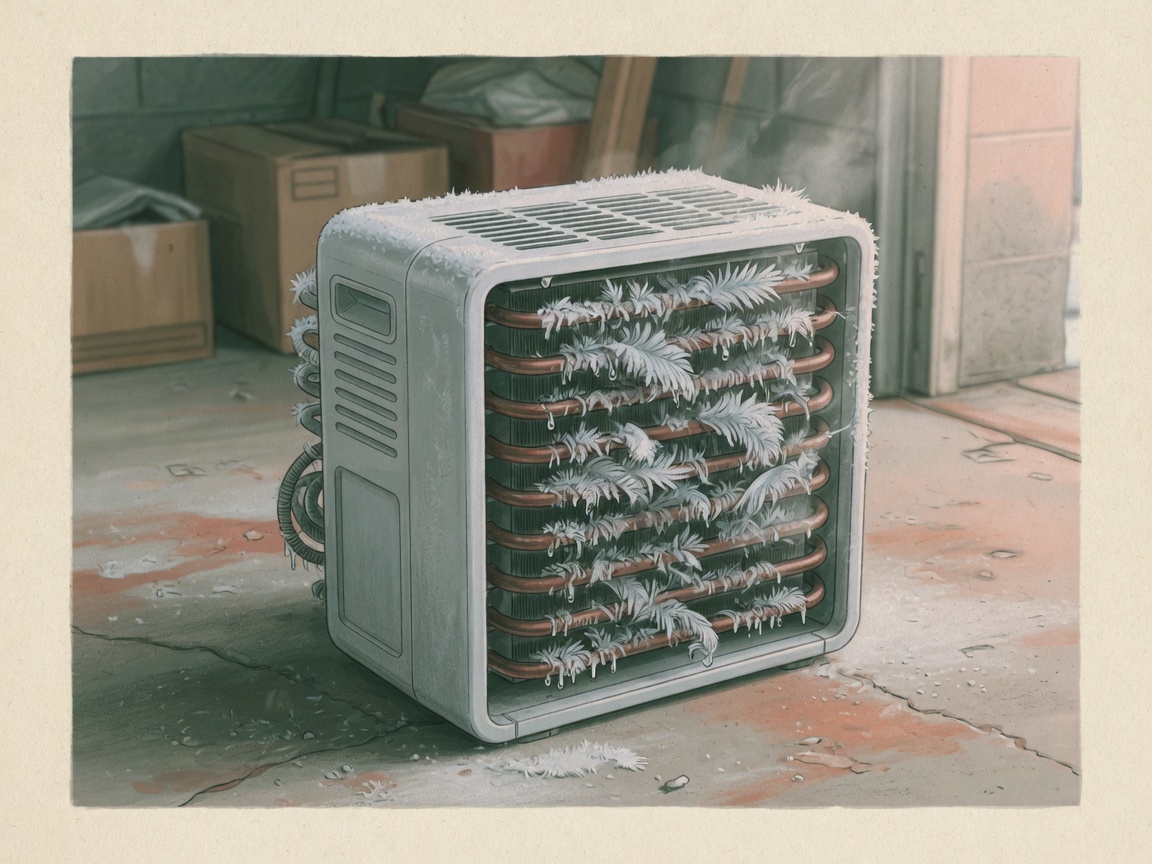
Icing and defrost problems usually mean the evaporator is not getting enough air, or the room is colder than the unit is meant to run. Start with the filter and the intake. A loaded filter is the most common airflow restriction; clean it using how to clean a dehumidifier filter.
Frost can be normal during a documented defrost cycle at stated temperatures. Ice that remains, grows, or returns after defrost is not a reason to keep resetting the unit.
Check these first
Turn the unit off as directed. Inspect the filter, clean or replace it as specified, and refit it securely. Confirm furniture, boxes, or stored items are not blocking intake or exhaust.
Compare the room temperature with the operating range in the documentation. Garages, crawl spaces, and unheated basements are common places the air is simply too cold for continuous collection. If the space is below the stated range, running the unit harder will not fix icing.
Confirm the bucket is seated or the hose matches the documented drain method. A drainage fault is a lesser icing cause than airflow, but a unit that keeps shutting off or leaking should not be forced through another cycle. Disconnect power before any inspection beyond user-serviceable parts.
Restore operation, then stop if ice returns
After airflow and temperature are in range, let the documented defrost cycle finish. Do not chip ice off the coil or use a heater to force it off. When the coil is clear, restart and see whether normal collection resumes.
Stop if icing returns with a clean filter, clear airflow, and a room inside the stated range, or if the unit cannot complete defrost, leaks, or shows an error. Record the model number and the checks you completed, then use the manufacturer’s service path or a qualified technician. Unplug the unit if you see electrical damage, leaks at electrical parts, or overheating.
Sources
Keep reading
Related guides
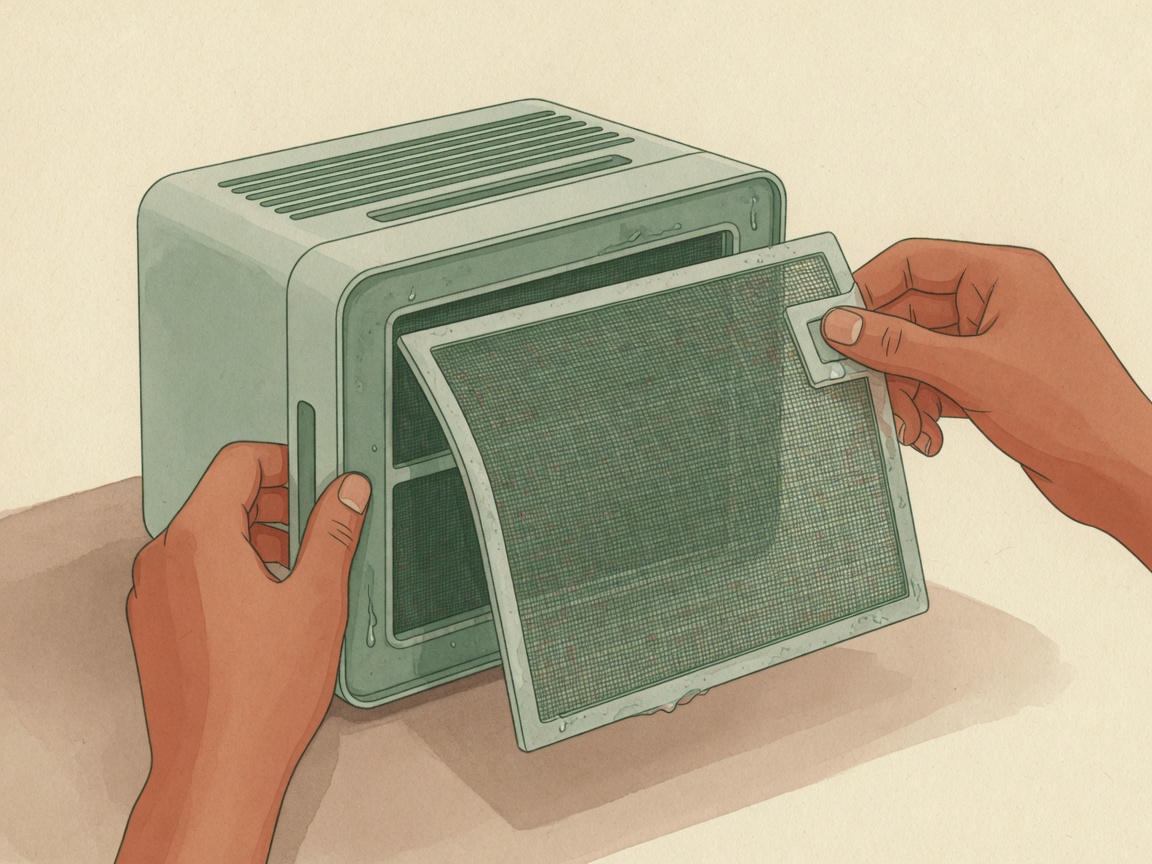
How to Clean a Dehumidifier Filter
Wash only if the model allows it; dry fully before reinstalling.
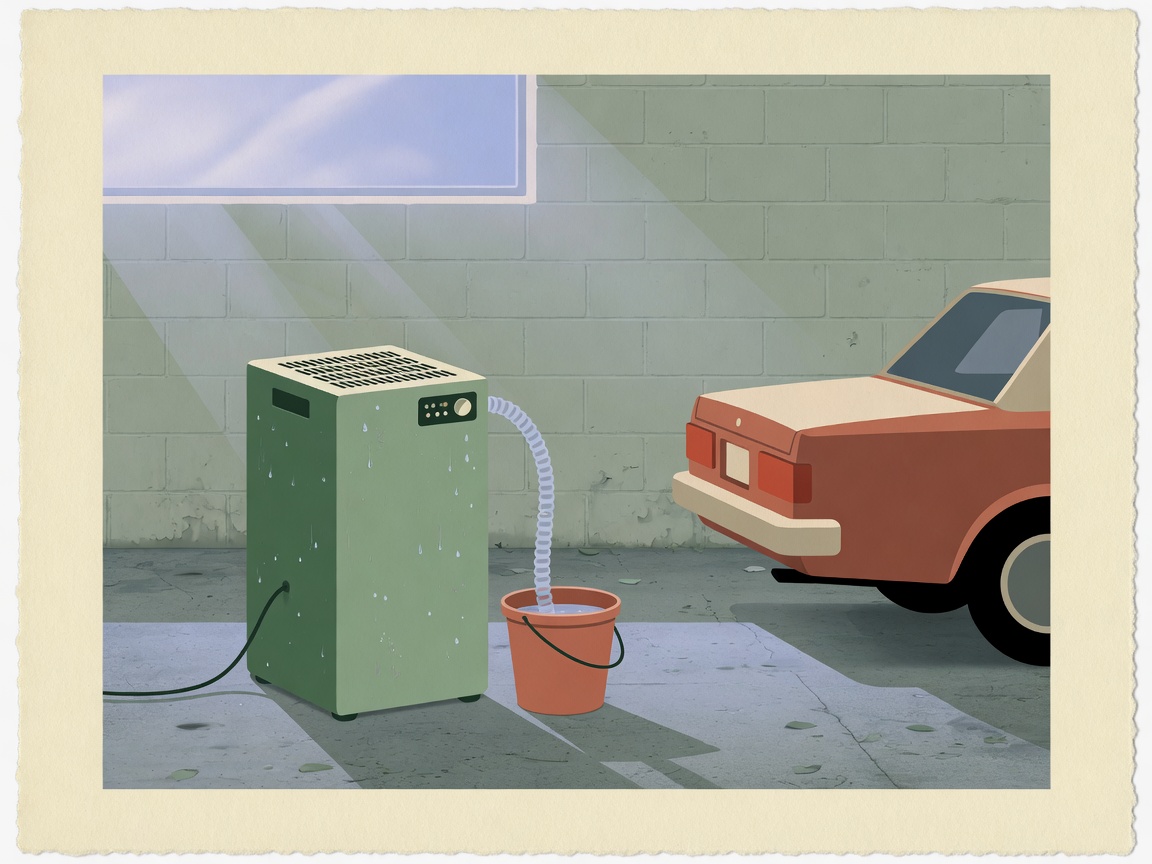
Dehumidifier for a Garage
Temperature swings, icing risk, and a hose that survives parked cars.
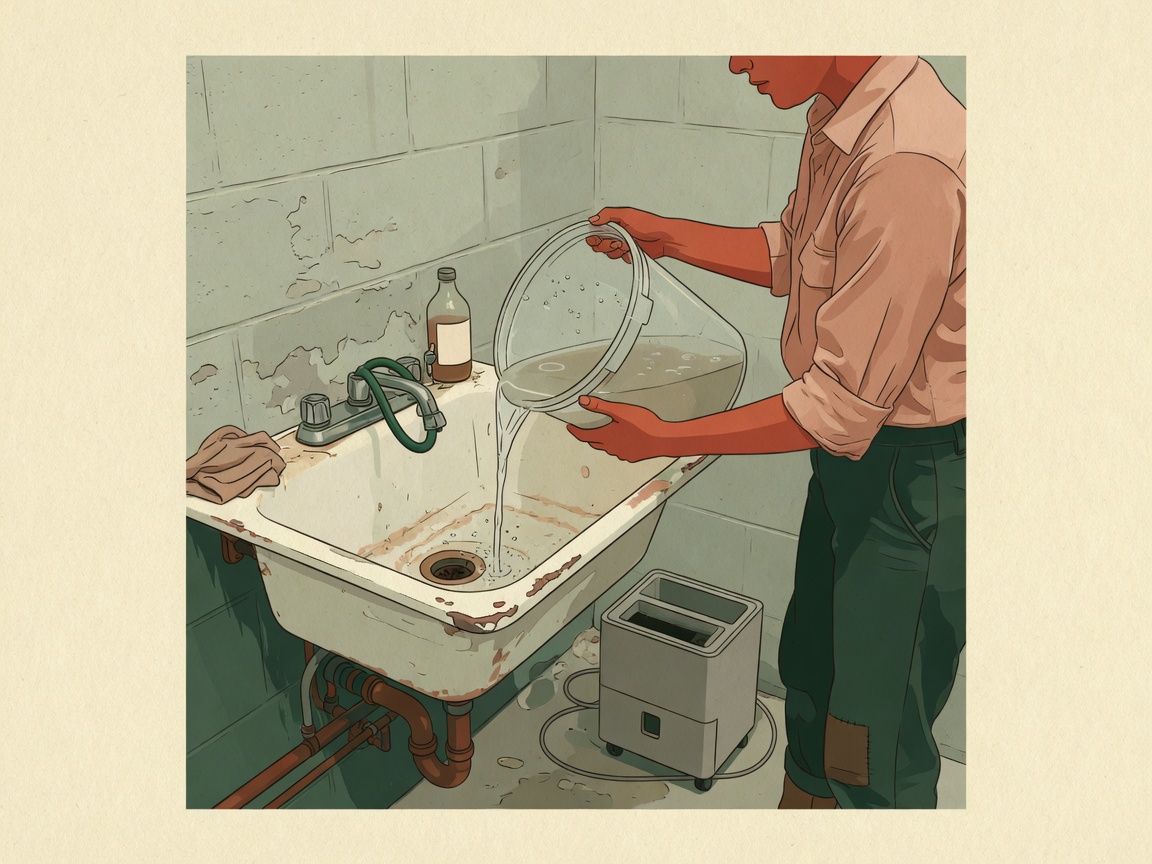
How to Maintain a Dehumidifier
Bucket, filter, and drain-path checks that keep the unit collecting.